Acrylic vs Polycarbonate for Retail Displays: A Practical Selection Guide
Clear materials can look alike but require different specifications. Use this practical checklist to assess appearance, impact, cleaning and fabrication before choosing a grade.
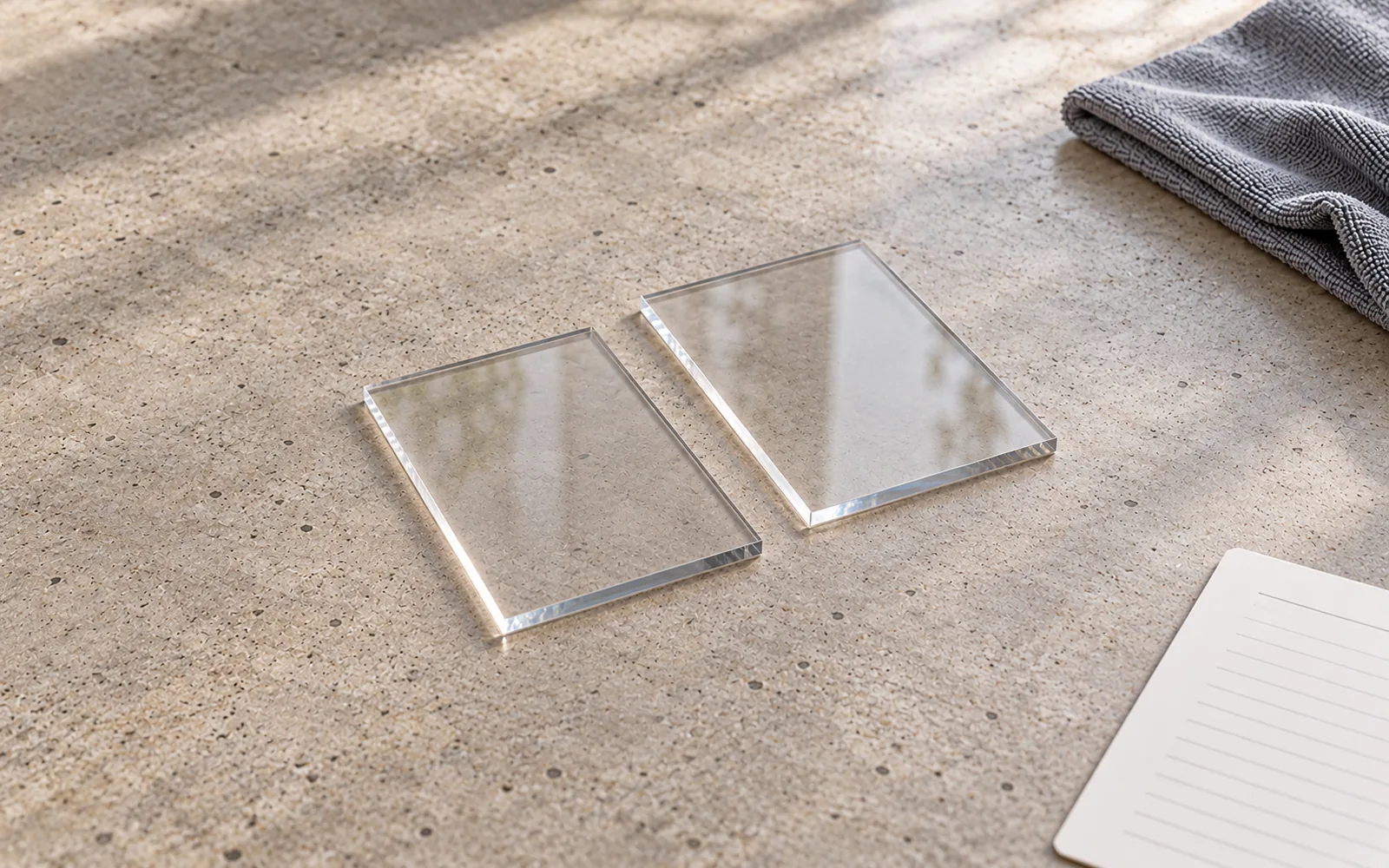
Clear sheet materials can look similar in a drawing while creating different decisions in production and use. For a retail display component, the choice should begin with its job: presenting a product, protecting an area, carrying a load, or supporting a graphic.
Acrylic is worth considering when optical presentation and finished details are central to the design. Polycarbonate grades are worth evaluating where impact exposure matters. Neither material name, by itself, specifies the right thickness, coating, cleaning method or fabrication process.
This guide is a selection framework for designers and procurement teams. Manufacturer examples below illustrate particular grades; they do not establish the performance of every acrylic or polycarbonate sheet.
1. Start with the component, not the material label
Write down what the component must do before requesting a sheet specification.
- Will customers touch it or remove products from it?
- Will staff move, refill or clean it frequently?
- Is it a decorative face, a product holder, a shelf or a protective panel?
- Will it be bonded, bent, drilled, printed or mechanically fixed?
- Can it be replaced without replacing the whole fixture?
A small product riser and a protective panel may both be transparent, but their selection criteria should be different. Separate visual requirements from mechanical requirements in the design brief.
2. Evaluate appearance using the actual finish
PLASKOLITE identifies acrylic products for retail displays and describes fabrication routes including cutting, forming and bonding. Its OPTIX G cell-cast acrylic page also identifies optical clarity and edge-polishing characteristics. These are useful reasons to evaluate acrylic where a visible edge or transparent product presentation is part of the design. Display applications, OPTIX G product information.
Compare a sample with the intended edge finish under the proposed store lighting. Assess glare, visible joints, fingerprints and the appearance of the product behind the panel. A flat material swatch is useful, but it does not show the complete assembly.
3. Treat impact and scratching as separate questions
Do not use a single word such as “durable” to cover every exposure. Ask separately about accidental knocks, surface wear and cleaning chemicals.
For example, PLASKOLITE describes TUFFAK HC as hard-coated polycarbonate with impact, abrasion and chemical resistance. This is a particular coated product, not evidence that every polycarbonate sheet has the same surface performance. Its stated applications include service counters and partitions. TUFFAK HC product information.
If impact exposure is important, request data for the proposed grade and test method. If surface wear is important, specify whether a coating is required and ask how that coating affects subsequent processing. Do not substitute a photograph or a material nickname for those answers.
4. Include cleaning in the specification
Cleaning belongs in the design brief, especially for frequently handled components. List the actual cleaning products and how staff will use them.
ACRYLITE's chemical-resistance guidance notes that incompatible cleaners, adhesives and other contacting materials can cause crazing, cracking or discoloration. Its chart is based on tests on stress-free flat panels at room temperature, so its results need to be read with those conditions in mind. ACRYLITE chemical-resistance guidance.
For the selected material, obtain the manufacturer's cleaning instructions. When compatibility is unresolved, ask the supplier to evaluate the actual cleaner and fabricated component before rollout. A general claim that a material is “chemical resistant” is not a complete cleaning plan.
5. Confirm the grade and fabrication route together
Even within acrylic, a material family name does not identify the manufacturing grade. PLASKOLITE's OPTIX information distinguishes extruded, continuous-cast and cell-cast sheet products. OPTIX product family.
Send the supplier the intended bends, holes, joints, print areas and visible edges. Request confirmation that the proposed grade and finish are compatible with the planned operations. If a material substitution is proposed, review the sample and documentation again rather than accepting “equivalent clear plastic” as a specification.
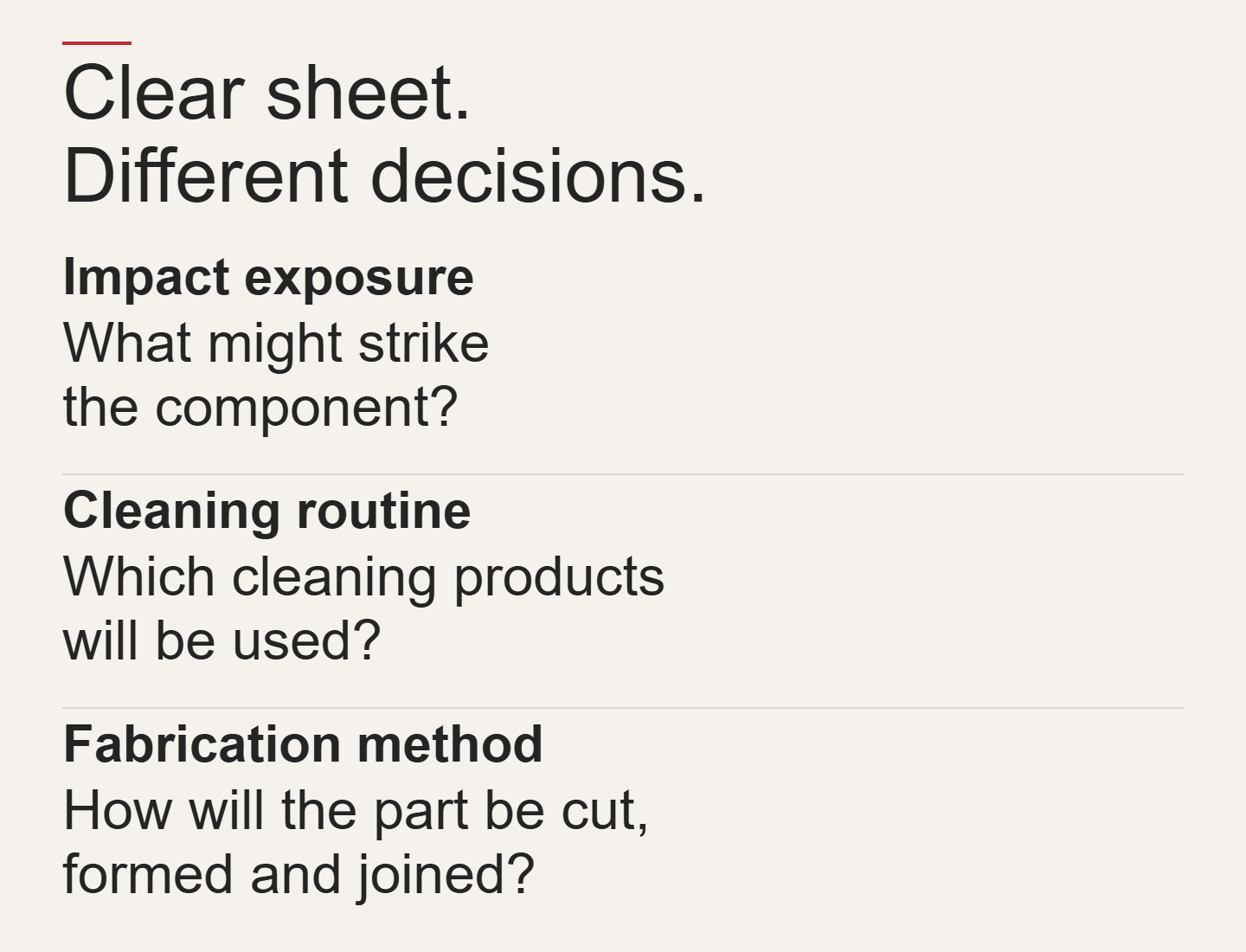
Clear sheet. Different decisions.
Impact exposure
What might strike the component?
Cleaning routine
Which cleaning products will be used?
Fabrication method
How will the part be cut, formed and joined?
A practical comparison checklist
| Selection question | What to request |
|---|---|
| Appearance | Finished sample under representative lighting |
| Impact exposure | Proposed grade, relevant data and test method |
| Surface wear | Coating details and maintenance instructions |
| Cleaning | Compatibility with the named cleaning products |
| Fabrication | Confirmation for the intended joints and processing |
| Structural role | Design assessment for the actual geometry and support |
| Replacement | Part identification, access and spare-part plan |
What should go into the purchasing brief?
Specify the material family and exact grade, finish, dimensions, intended use, processing requirements, cleaning routine and acceptance criteria. Identify which properties are essential and which alternatives may be evaluated.
For a load-bearing component, choosing acrylic or polycarbonate is only one part of the design. Thickness and supports need assessment for the actual application; this article does not provide a load rating or a universal thickness recommendation.
The useful question is not simply “Which plastic is better?” It is “Which documented material and construction meet this component's requirements?”
Planning a retail display? Bring the component drawing, intended use, finish and cleaning requirements into the discussion before selecting the sheet. Discuss your display project with BEVIS.